Udress · Posts
Share your outfit as a magazine page: a guide to posting on Udress
25 November 2026
Udress is an outfit sharing app where every photo post is shown as a magazine page: your picture first, then a name and a short story, dressed in the colours of your own photo. This guide walks through a post from the photo to the moment it goes live.
How do I take a good outfit photo?
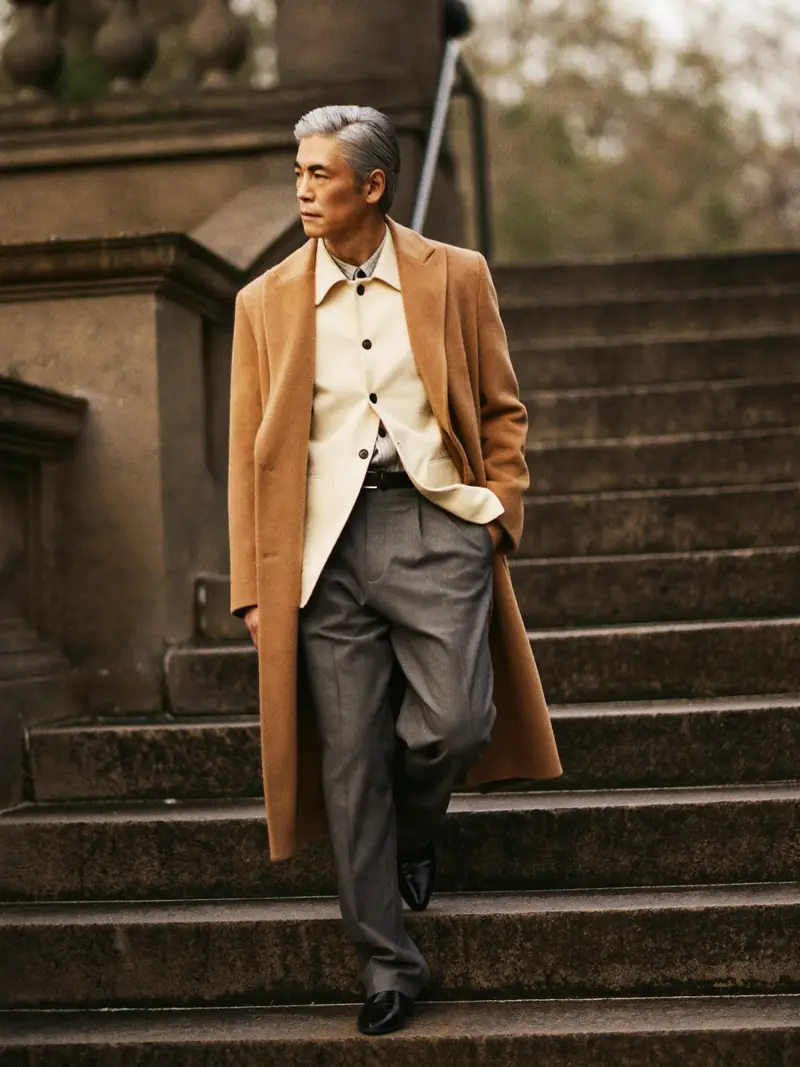
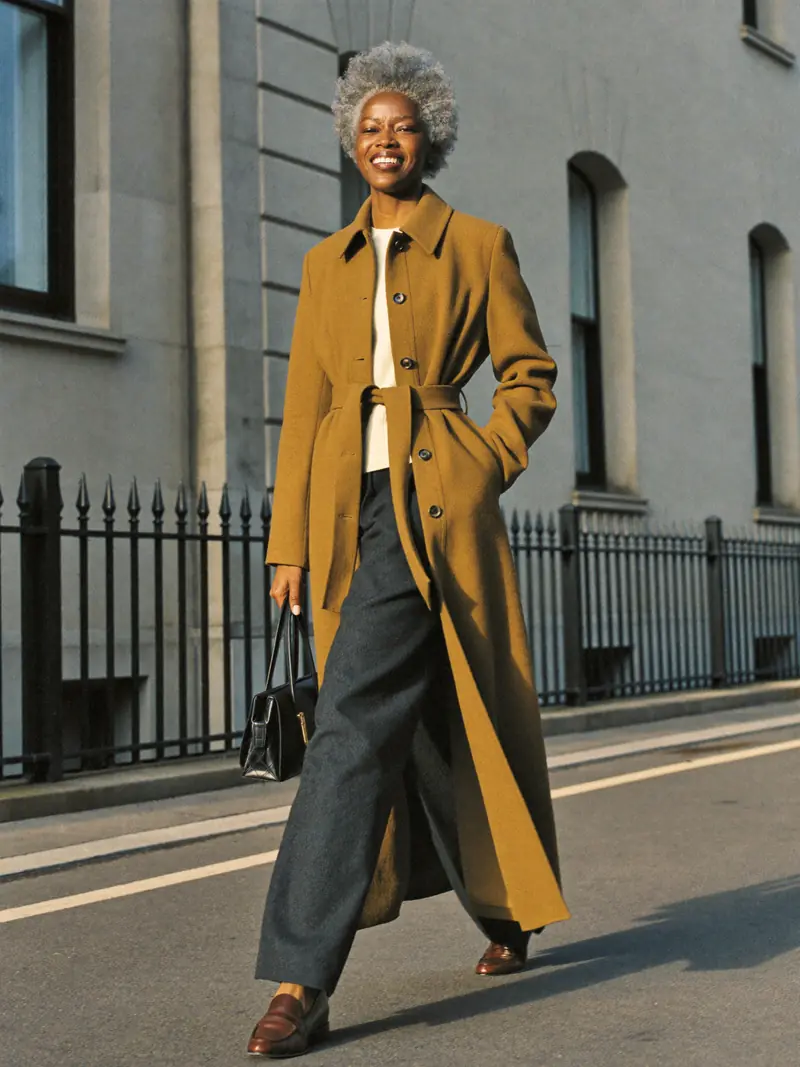
- Show the whole outfit: stand back so your shoes are in the picture, and hold the phone at waist height rather than above your head.
- Use daylight: stand facing a window or outside in the shade. Strong sun from above makes hard shadows.
- Keep the background calm: a plain wall, steps or a quiet street lets the clothes stand out.
- Take several: walking, turning, a close-up of a detail. You can post up to ten in one slide post.
What happens after I choose a photo?
The photo opens straight in the editor. There you choose the post's size, adjust the light and colour with ready-made looks, add words or stickers, and hide a face if you want to. The app frames the picture so that a head or a face is not cut off, and tells you if it would be.
What should I write in the name and the story?
Every post has a name of up to 40 characters and a story of up to 280. The name is the title on your page: "Monday in camel", "Linen for the heat". The story is where you say what you are wearing, where you wore it or why you like it. Write in any language you like; the words read in their own direction. If you are stuck, the Suggest button offers a few names and descriptions in your post's language, and you can keep, change or ignore them.
Can I post several outfits together?
Yes. A slide post holds two to ten photos. On the slide board you put them in order, and the app can polish them for you with gentle looks and, if you ask, a short line of words on each photo. You can also add a song to the slide.
How do I make a magazine cover?
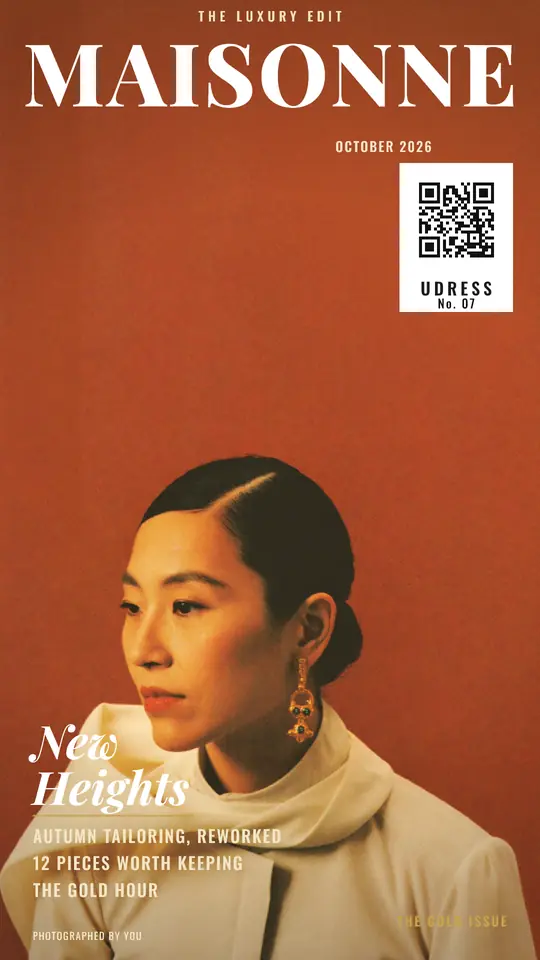
A fashion post turns one photo into a full magazine cover. You pick one of 26 cover designs, write your own words, and the cover carries a code that opens your post when someone scans it. It is a good way to post a look you are proud of.
Who will see my post?
You choose. A post can be for everyone, for your followers, for friends (people who follow you back), for My circle, for chosen people or only for you, and you can change it later. You can also keep a post on your profile only, turn comments off, or hide the number of likes. Accounts for teenagers are private by default.
Can I tag people, places and brands?
You can tag friends in your photo, and they are asked to approve when needed. You can add a city or a place, and list the pieces and brands you are wearing. If a brand paid you or gave you a piece, mark the post as an ad or a gift so people know.
What happens after I post?
Every post is checked for safety before it goes live, which usually takes a few seconds. Then it appears on your profile and in your followers' feeds, and people can like it with a double tap, comment, save it or share it. If you try a new piece on yourself before posting, our guide on trying clothes on before you buy explains how, and the home page shows what a post looks like.
All articles · More: Five looks from the clothes you already own · How AI helps you choose what to wear