Udress · AI
How AI helps you choose what to wear
25 November 2026
An AI outfit try-on app does not choose your clothes for you. What it can do is show you options you could not easily see before: a piece on your own body, the separate pieces of an outfit you liked, or your look in motion. This article explains each of these, what to expect, and where AI stops.
Can AI show me how clothes look on me?
Yes, and this is the most useful thing it does. With AI try-on, you choose up to three pieces, a top, a bottom and shoes, and see them on a full-body photo of yourself. It is the quickest way to compare two colours or two cuts on your own body. Our guide on trying clothes on before you buy covers it step by step, including what a try-on cannot tell you about size and fabric.
Can AI find the pieces in an outfit photo?
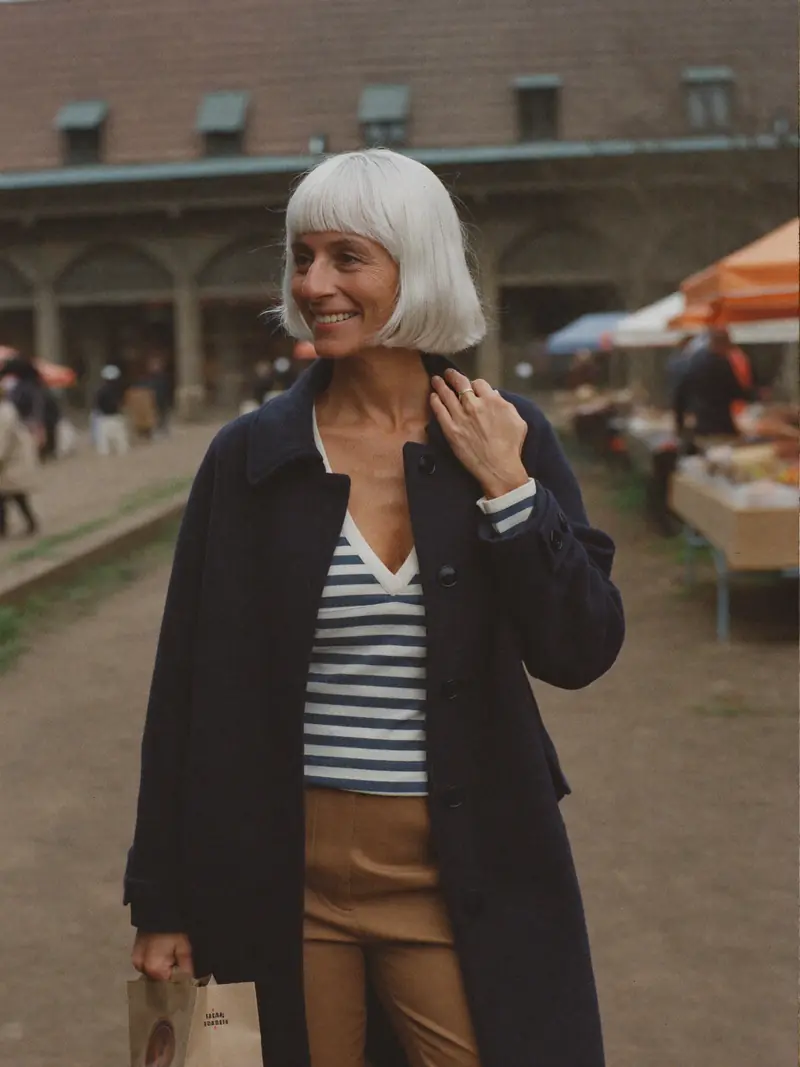
Yes. When you post a real look on Udress, a photo of what you are wearing, the app can find the pieces in the photo for you: the jacket, the trousers, the shoes, the bag. You check what it found, remove what is wrong and add what it missed. For any piece, you can photograph it yourself or ask AI to make a clean picture of it alone, which uses a credit. People who see your look can then tap a piece to see it large.
Can I see my outfit move?
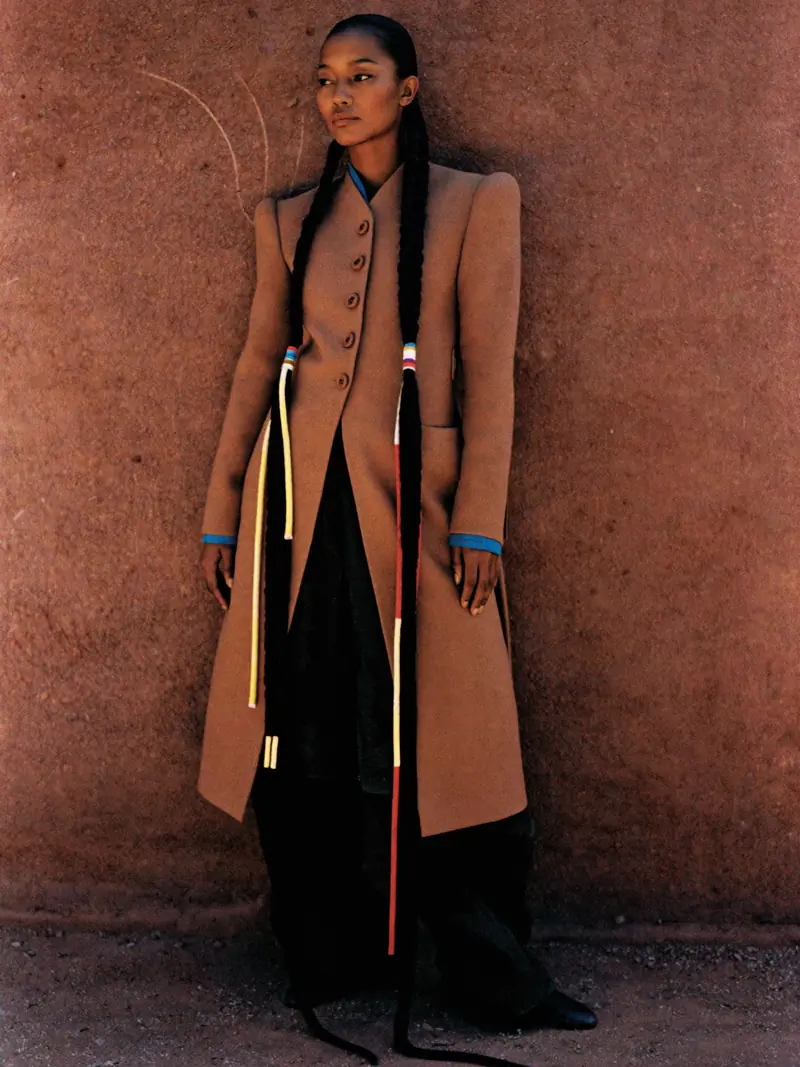
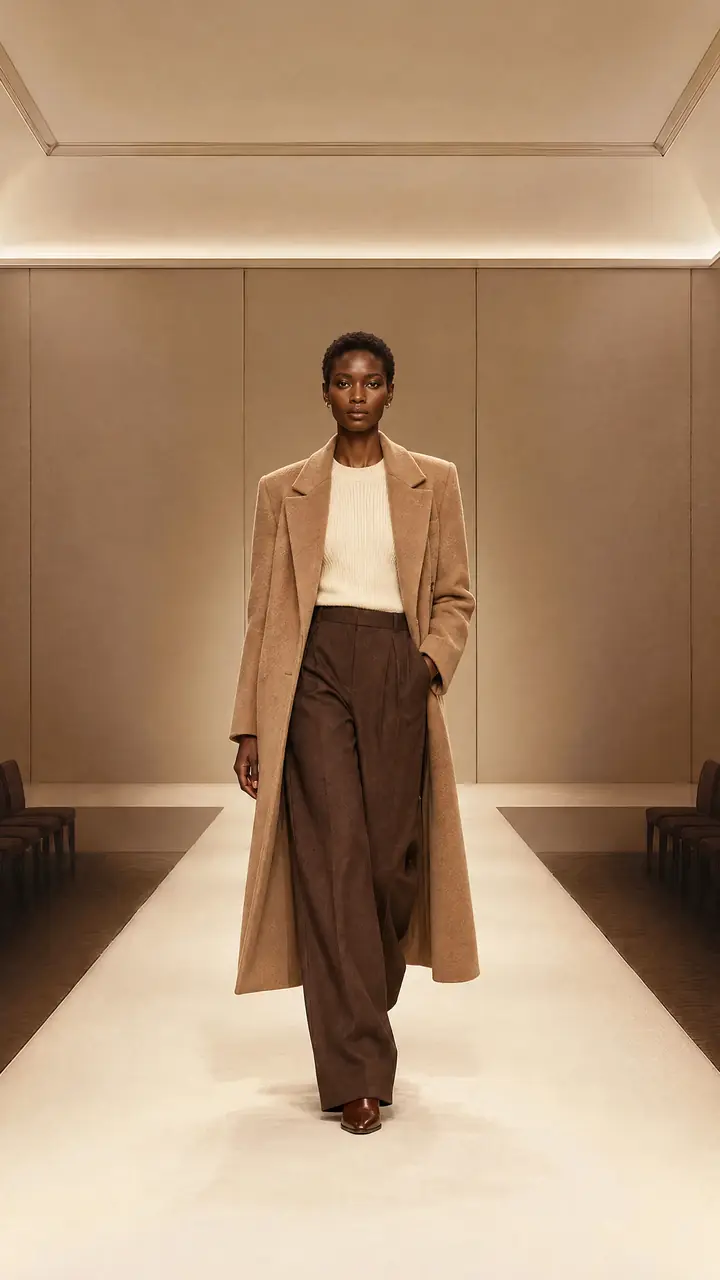
On the Udress Runway, AI turns photos of yourself into a short walk on a runway stage, so you can see how a look moves rather than how it stands. Walks play one after another in the Runway tab, and people can vote for the ones they love. The Runway is for ages 18 and up, and each walk uses paid credits.
Can AI help me write about my outfit?
When you post, the Suggest button offers a few names and short descriptions in your post's language, based on your photo and the style you choose. You can keep a suggestion, change it or write your own. On a post of several photos, the app can also suggest gentle looks and a short line of words for each picture.
What can AI not do?
- It cannot measure you. It does not know the exact size of a garment, so it cannot promise a fit.
- It is not always right. Results can vary from one try to the next, and a hand, a pattern or a detail can come out wrong.
- It does not know your taste. It shows options; the choice is yours, and a friend's opinion is often the best second check.
When a result is not right, you can make it again, usually for less than the first time, and say what was wrong. If a result is offensive or harmful, use "Report this result" and our team will look at it.
What happens to my photos?
Udress asks before any of your photos are sent to an AI feature, and you can change that choice at any time in How Udress uses AI, in My Account. AI features only use photos of you, the account holder. Your full-body photo is visible only to you, and Udress does not use your photos, videos or words to train AI models. You can delete your try-ons and your body photo whenever you like.
Where can I see it?
The home page shows a real try-on: the same person before and after, in three pieces. To post your own looks, read how to share your outfit as a magazine page.
All articles · More: How AI try-on works on Udress · Five looks from the clothes you already own